Preparing Your Home For A Media Interview
A successful media interview from home depends on more than having strong answers. The room behind you, the quality of your internet connection, the way your face is lit, and the sound reaching the microphone all influence how confidently your message comes across.
Whether you are speaking to a journalist, joining a television segment, recording a podcast, or appearing on a corporate video call, preparation creates calm. A familiar space can become a professional studio when you make deliberate choices about the setting and remove avoidable distractions.
Your home does not need expensive equipment or a picture-perfect interior. It needs to look intentional, sound clear, and support your presence. A thoughtful setup also gives you the freedom to focus on the conversation rather than worrying about what the camera may be showing.
Why The Room Shapes The Interview
Viewers form an impression within seconds of seeing an interviewee. Your background can suggest authority, warmth, creativity, or disorder before you have said anything. The aim is not to create a staged environment that feels unlike you. It is to choose visual details that reinforce your credibility and suit the subject being discussed.
Start by considering what the audience needs to notice. If you are discussing leadership, a calm study or well-organised living space may feel appropriate. If the conversation concerns wellbeing, a softer setting with natural textures can create warmth. Remove anything that competes with your face, including bright artwork, piles of paperwork, reflective surfaces, and objects moving in the background.
Your surroundings can also affect your own state of mind. Sitting in a clear, comfortable space reduces visual noise and makes it easier to stay present. If being visible on camera makes you nervous, these confidence-building ideas can help you approach exposure with greater self-awareness and steadiness.
Choose A Camera-Friendly Location
Select a room where you can close the door and control interruptions. A bedroom may be quiet, but it can look too personal for a professional conversation. A kitchen often has attractive light but may contain appliances that hum, reflective cupboards, or surfaces that create an untidy impression. A study, dining area, or quiet corner of a sitting room is often easier to adapt.
Position yourself several feet away from the wall rather than sitting directly against it. This creates depth and makes the image feel less cramped. It also prevents your shadow from falling sharply behind you. If the room is small, even a modest gap between your chair and the background can make the frame appear more polished.
Keep the camera at eye level. A laptop placed on a stack of books can produce a more flattering and natural angle than a device resting on a desk. Frame yourself from around the chest or mid-torso upwards, leaving a little space above your head. Look at the lens when making an important point, while allowing your gaze to move naturally during the conversation.
Before choosing a room, review examples of professional on-camera communication and presentation in these broadcasting videos. Notice how framing, posture, lighting, and background work together rather than relying on any single detail.
Build A Reliable Technical Setup
Technology should be tested well before the interview begins. Check your internet speed, update the video platform, close unnecessary applications, and restart the computer if it has been running for several days. Ask other people in the home to avoid streaming or downloading large files during the interview, as shared bandwidth can affect picture and sound.
A wired internet connection is generally more stable than Wi-Fi. If that is not practical, sit near the router and keep a mobile hotspot available as a backup. Charge your laptop, phone, camera, and headphones in advance. A low-battery warning during a live conversation is an unnecessary distraction and may force you to leave the call at the wrong moment.
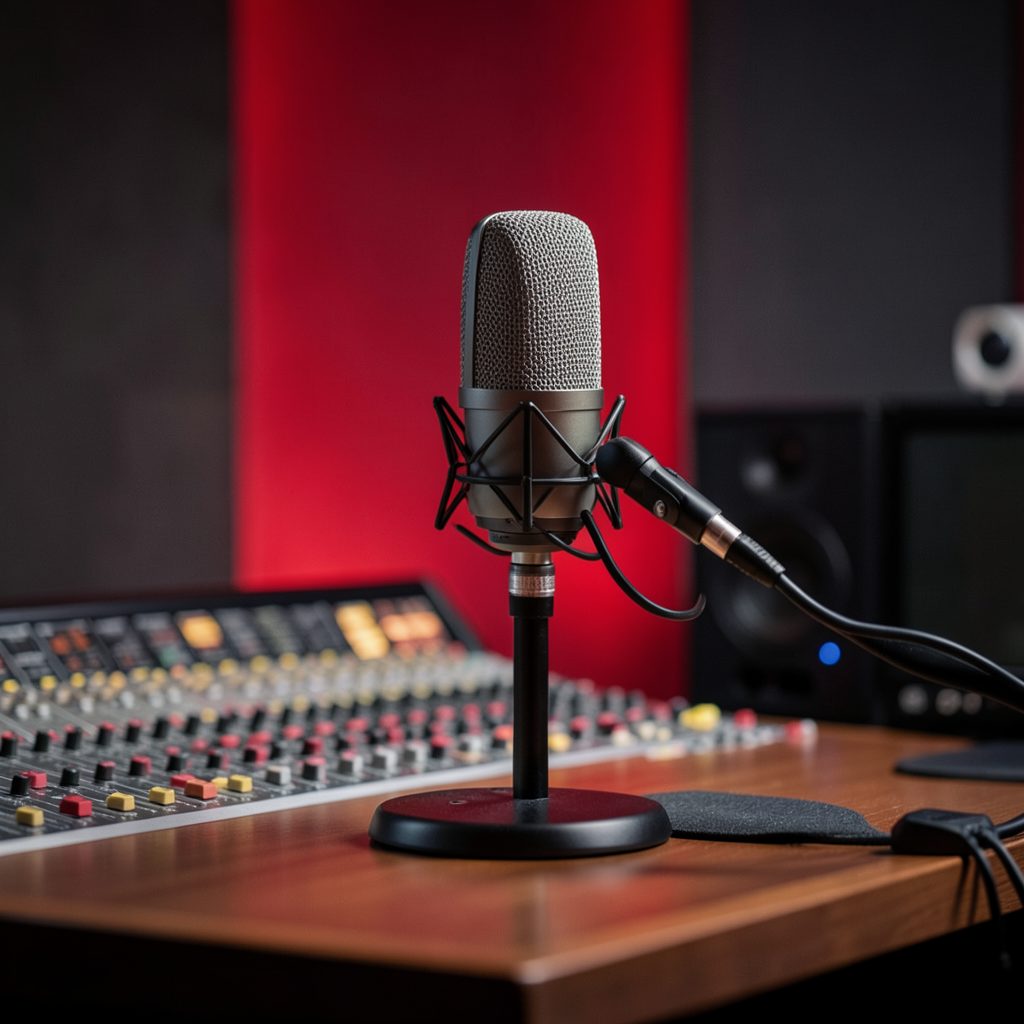
Sound quality often matters more than visual quality. Built-in microphones can pick up room echo, keyboard noise, traffic, and household activity. Wired headphones with an integrated microphone may provide a noticeable improvement, while a USB microphone can offer a fuller and more consistent voice. Test the equipment from the exact chair and position you plan to use.
| Setup Choice | Suitable Option | Common Risk | Practical Adjustment |
|---|---|---|---|
| Internet connection | Wired broadband | Wi-Fi drops or delays | Keep a hotspot ready |
| Camera | Laptop webcam at eye level | Low, distorted angle | Raise the device securely |
| Microphone | Wired headset or USB mic | Echo and background noise | Move closer and test levels |
| Seating | Firm chair with back support | Fidgeting or fatigue | Sit with both feet grounded |
| Background | Simple, relevant setting | Clutter or distractions | Remove competing objects |
| Lighting | Window or soft lamp in front | Shadows and harsh contrast | Face the light source |
Record a short practice clip and watch it with the sound on. Check whether your voice is clear, whether the image freezes, and whether notifications appear on screen. A rehearsal also exposes small problems such as a squeaking chair, a noisy heating system, or a camera that keeps refocusing.
Control Sound Light And Background
Natural light is usually flattering when it comes from in front of you or slightly to one side. Avoid sitting with a bright window behind your head, because the camera may darken your face. If the available daylight changes during the interview, use a soft lamp or adjustable LED light as a consistent secondary source.
A lamp should illuminate your face without creating a hard patch of brightness on your forehead or glasses. Diffused light is more comfortable and creates gentler shadows. If you wear glasses, move the light slightly to the side and lower its angle until reflections disappear. Test the arrangement while wearing the same clothes and accessories planned for the interview.
Sound needs equal attention. Hard floors, bare walls, and large windows can make a room echo. Curtains, rugs, bookshelves, cushions, and upholstered furniture absorb some of that reflection. You do not need to cover every surface; adding a few soft materials and moving away from empty walls can make speech sound more natural.
Listen for intermittent noise rather than focusing only on obvious sounds. Fridges, air-conditioning units, clocks, washing machines, construction, and traffic may seem quiet in person but become prominent through a microphone. Switch off what you can, close windows, silence phones, and place a note on the door to prevent unexpected interruptions.
Prepare Your Presence And Talking Points
A home setup should support clear communication, not encourage you to read a script. Prepare three or four key messages and a brief example for each one. Write short prompts in large type and place them close to the camera, rather than looking down at pages on the desk. Bullet points help you stay flexible when the interviewer changes direction.
Think about the audience, the purpose of the interview, and the action you want people to take after watching. Prepare a concise description of your work, a relevant personal story, and a calm response to any difficult or predictable question. If the topic involves personal wellbeing, decide in advance which details are yours to share and which boundaries you want to maintain.
Wear clothing that makes you feel comfortable and authoritative. Solid colours are usually easier for cameras than very fine stripes, busy patterns, or reflective fabrics. Avoid noisy jewellery if you are using a sensitive microphone. Your clothing should contrast gently with the background so that your face remains the visual focus.
Keep water nearby, but place it below the camera frame. Sit upright with your shoulders relaxed and both feet supported. Take a slow breath before joining the call and allow yourself a moment to listen before answering. If anxiety rises, simple grounding techniques can help; these ways to manage anxiety are especially relevant when the schedule is demanding.
Complete A Calm Pre-Interview Checklist
The final hour should be used for quiet checks rather than frantic rearranging. Complete the technical test early enough to solve problems without rushing. Check the camera view one last time, confirm the interview link, and make sure your notes are in the correct position.
- Clear the visible background and remove confidential papers, personal information, and distracting objects.
- Test the camera, microphone, headphones, lighting, and internet connection from your interview seat.
- Silence phone alerts, computer notifications, smart speakers, and household devices.
- Tell everyone at home the exact interview time and place a reminder on the door.
- Keep water, notes, a charger, and a backup connection within easy reach.
Join the call a few minutes early if the platform allows it. Use that time to settle your breathing, check your name and display settings, and confirm that the microphone is working. Avoid making major changes once the frame looks balanced. Familiarity is more valuable than last-minute perfection.
Make The Space Support Your Message
Preparing your home for a media interview is a practical exercise in removing friction. When the camera is stable, the sound is clean, the lighting is comfortable, and the background feels authentic, you can give your attention to the conversation. The result is a presentation that feels prepared without appearing overproduced.
The best setup reflects the person speaking. A clear bookshelf, a meaningful piece of art, or a simple plant may add character, provided it does not dominate the frame. Professionalism does not require a blank wall; it requires choices that are considered, relevant, and free from avoidable distractions.
Use your next interview as an opportunity to create a repeatable home studio. Mark the best camera position, save your lighting arrangement, and keep essential equipment together. With a dependable routine, every future appearance becomes easier to manage and your energy can move towards the ideas, experience, and purpose you want to share.
Set aside time before your next broadcast, prepare the room with intention, and practise delivering your key messages on camera. A well-prepared space gives your voice room to lead.
On Air & In Print
Andrea anchors the ITV lunchtime talk show Loose Women, which she joined in 2007, following 11 years as a core presenter on ITV's breakfast programme GMTV, a role she left on New Year's Eve 2008.
Alongside broadcasting, she has written for Red, Best, Scottish Woman and numerous weekly women's titles since starting as a freelance travel writer in 1993.
See Press & MediaReach & Recognition
A snapshot of the audience and impact behind Andrea's television, publishing and brand work.
This Girl Is On Fire
Andrea is CEO and Co-founder of the female empowerment platform This Girl Is On Fire, built around a mission to help women live, learn and thrive in a life they love.
Explore the PlatformScreen & Studio
Promotional and broadcast work created for television and corporate partners, including Barclaycard, Vistaprint and Wii Fit U.
Explore the Site
Find out more about Andrea's career, writing, media coverage and audience reach.
Get In Touch
For media, corporate or general enquiries, use the form below or reach out directly.
Contact details published on this site have appeared as +44 (0)20 7371 5444 / angharad.marsh@officialandreamclean.com and, on an earlier page, 020 7482 3282 / admin@officialandreamclean.com — please treat both as points of contact.