How to design a home office that boosts your confidence on camera
A home office can influence how you feel before you say a word. The position of your desk, the quality of the light and the amount of visual clutter behind you all affect your posture, concentration and sense of authority. A considered video-call background gives you a stable setting for interviews, presentations, webinars and online meetings.
Confidence on camera rarely comes from buying the most expensive equipment. It comes from removing distractions and creating a space that supports the way you communicate. When your chair is comfortable, your face is well lit and your technology behaves predictably, you have more attention available for your message.
For Australians working from home, the room may need to serve several purposes. A spare bedroom in Melbourne might become a studio, study and guest room, while an apartment in Sydney may require a compact corner beside the dining table. In Brisbane, Perth or Darwin, heat, humidity and strong sunlight can also affect equipment, concentration and the appearance of your background.
The most effective setup reflects your professional identity without feeling staged. A broadcaster, author, executive or wellbeing speaker may choose different objects and colours, yet each can create a background that feels credible, warm and intentional. The aim is to make the room support your presence rather than compete with it.
Start with the camera’s point of view
Begin by sitting where you expect to work and looking at the image your audience will see. A laptop camera placed low on a desk can point upwards, exaggerate the chin and make the frame feel less polished. Raise the camera until the lens is close to eye level. A stack of sturdy books can work while you test the position, although a monitor stand or adjustable laptop riser will provide greater stability.
Frame yourself from around mid-chest upwards, leaving a modest amount of space above your head. Your eyes should sit near the upper third of the image, and your shoulders should remain relaxed rather than pressed against the edge of the frame. This framing suits professional meetings and allows natural hand gestures without making you appear distant.
Distance from the wall matters as well. Sitting directly against a blank wall can flatten the image and reveal every shadow. Moving 60 to 120 centimetres away creates depth and gives you room for a plant, lamp, artwork or shelf. In a small apartment, even a slight diagonal angle can make the office look more spacious.
Check the frame at the times you normally work. Morning light in a north-facing Australian room can look very different from late-afternoon light, while a west-facing window may create harsh glare. Take a few test screenshots in work clothes, since a colour or pattern that feels comfortable in person can distract on video.
Shape the room around your message
A confident background has a clear visual hierarchy. Choose one or two elements that communicate your work, then keep everything else quiet. An author might include a carefully arranged selection of books; a leadership speaker may prefer a plant, a framed print and a simple lamp. Personal details are valuable when they feel connected to your story rather than placed for decoration alone.
Use colour with intention. Soft neutrals, warm timber and muted greens tend to keep attention on your face, while a controlled accent colour can bring energy to the frame. Very bright white walls may reflect strong Australian daylight and make the image look washed out. Deep black or highly saturated walls can make exposure more difficult, especially with an inexpensive webcam.
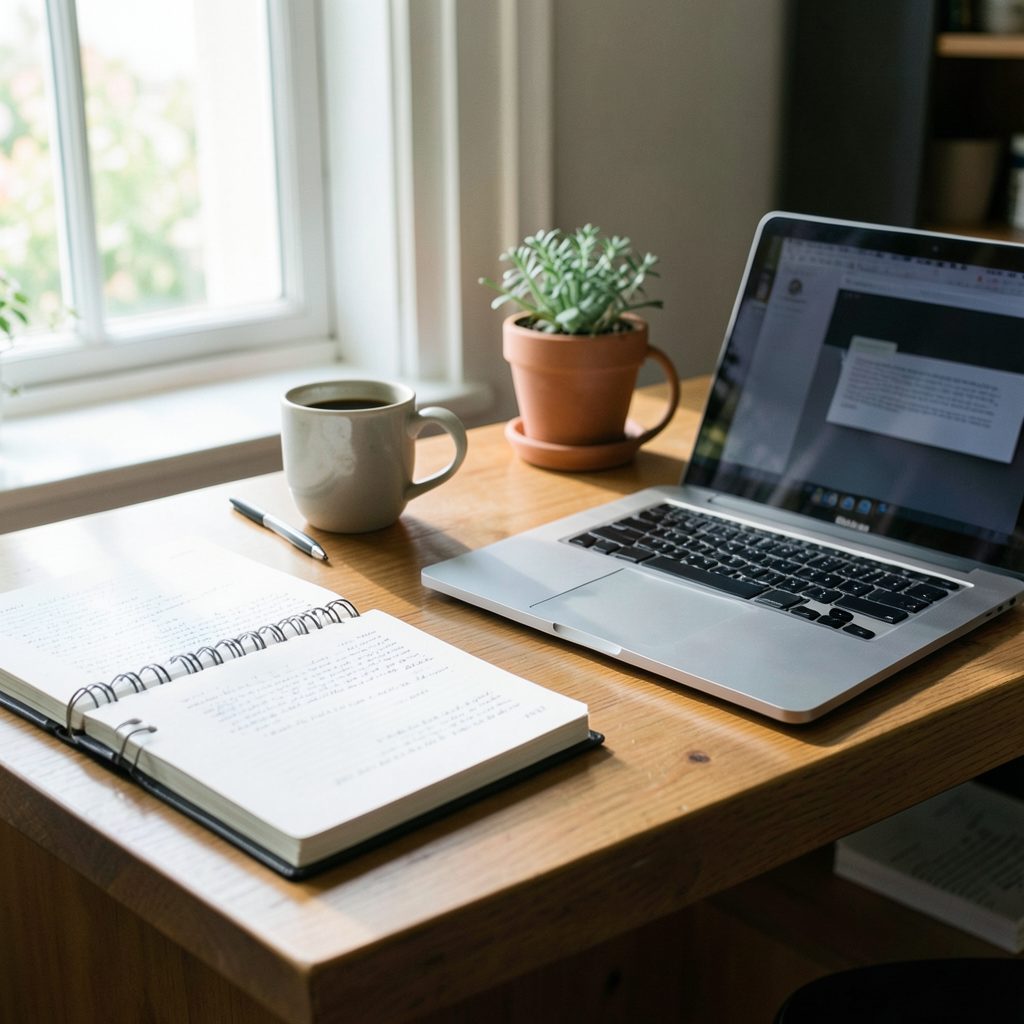
Your desk should be arranged for the work you actually do. Keep the keyboard, notes and water within easy reach, but remove objects that create visual noise. Cable management has a practical and psychological benefit: fewer loose cords mean fewer last-minute adjustments and a stronger sense that you are in control.
If your professional story includes a career change or a personal venture, let the room quietly support that narrative. Andrea McLean’s guidance on how to turn a side passion into a full-time platform is a useful reminder that a workspace can represent growth. A notebook, a meaningful book or a small symbol of your work can reinforce that progress without turning the background into an advertisement.
Make light and sound do the heavy lifting
Place your main light in front of you, slightly above eye level. A window can provide flattering light when you face it, but sheer curtains or a blind will help soften direct sun. If your desk faces a window in Sydney or Adelaide, test the setup during summer as well as winter. The angle and intensity of daylight can change dramatically across the year.
A small LED panel or ring light provides consistency when natural light is unreliable. Choose a model with adjustable brightness and colour temperature, and position it far enough away that the light looks soft rather than glaring. Avoid placing a bright light behind you, because the camera may darken your face to compensate for the brighter background.
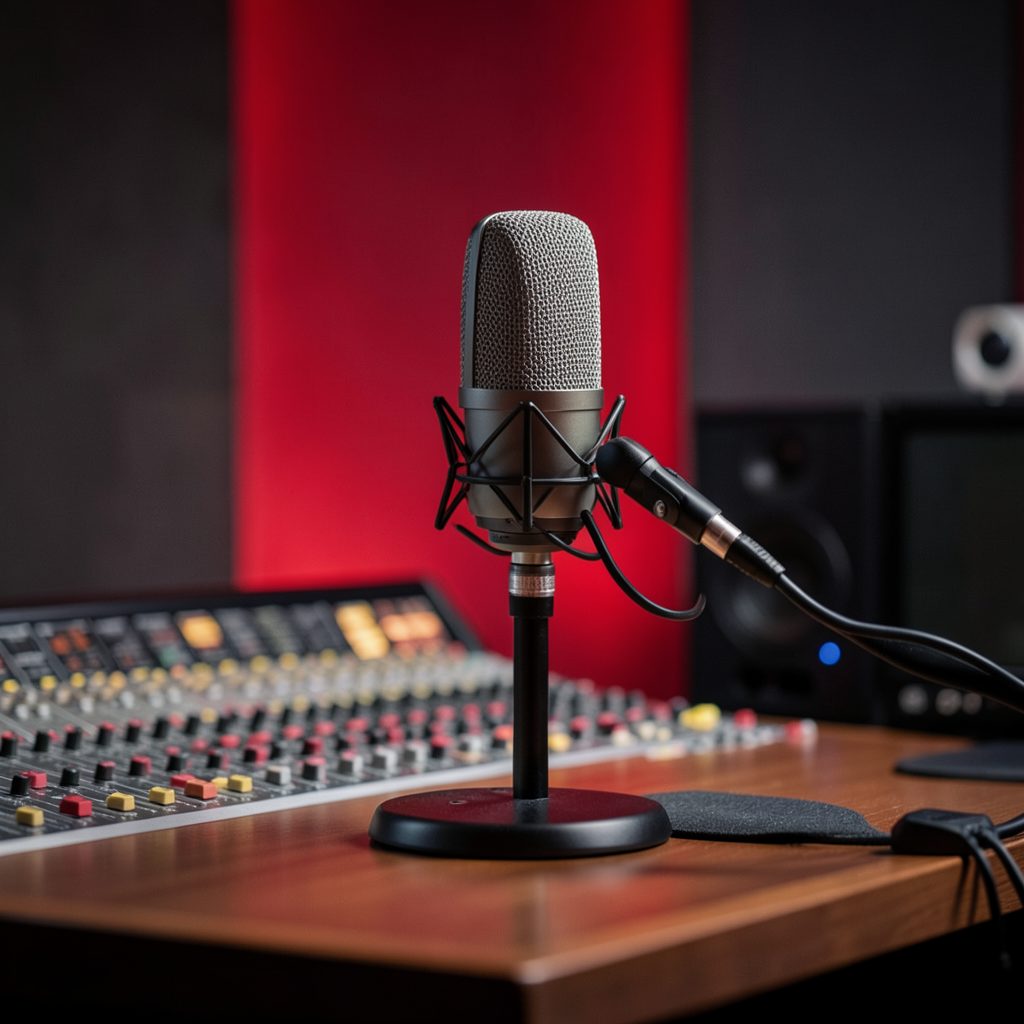
Audio shapes perceived confidence as strongly as image quality. A quiet room with curtains, rugs and upholstered furniture usually sounds better than a bare room with hard floors and large glass surfaces. A wired or wireless headset can be a practical choice for online meetings, while a USB microphone is worthwhile for regular webinars, interviews and presentations.
Listen for local sources of interruption before an important appearance. Traffic in central Melbourne, construction in a growing suburb or a neighbour’s renovation can affect a recording even when the room seems quiet. Air-conditioning and pedestal fans are useful during an Australian summer, but their hum may be noticeable on a sensitive microphone. Record a short sample and listen through headphones before going live.
Build a reliable Australian setup
A polished office is less valuable than a dependable one. Test your internet connection in the room where you work, rather than assuming the strongest signal is available throughout the home. NBN performance can vary by connection type, household usage and internal Wi-Fi placement. If video freezes during important events, an Ethernet cable, mesh system or mobile hotspot backup may provide reassurance.
Heat management deserves attention in many parts of Australia. Keep laptops, lights and microphones away from direct sun, and leave ventilation space around computers. A cool, shaded position is especially useful in Brisbane, Perth and Darwin, where warm conditions can continue for long periods. In a Melbourne winter, make sure a heater is not blowing directly across the microphone or causing a fluctuating fan noise.
You do not need a broadcast studio to look prepared. Officeworks, Bunnings, Kmart and specialist Australian electronics retailers offer accessible options for risers, monitor arms, lamps, acoustic materials and storage. Compare the stability, warranty and return policy of products rather than choosing solely by price. A strong stand and reliable light usually deliver more value than decorative technology.
Privacy is part of professionalism. Lock your computer, use a neutral virtual background when necessary and check what personal documents, family photographs or notification pop-ups may enter the frame. If you record clients, colleagues or event participants, handle their information in line with your organisation’s obligations and the Australian Privacy Act 1988. Businesses also need to consider applicable state or territory work health and safety requirements when setting up a prolonged workstation.
| Setup element | Practical choice | Confidence benefit |
|---|---|---|
| Camera height | Lens at eye level, close to the monitor | Creates direct, natural eye contact |
| Framing | Mid-chest to slightly above the head | Looks professional while allowing gestures |
| Main light | Soft light in front of the face | Reduces shadows and squinting |
| Background | One meaningful focal point with open space | Supports credibility without distraction |
| Audio | Headset or USB microphone tested in advance | Makes speech easier to follow |
| Internet | Stable Wi-Fi with a backup option | Reduces anxiety about interruptions |
| Desk posture | Screen, chair and keyboard adjusted to your body | Helps you appear and feel more composed |
Rehearse confidence into the space
Preparation should include the room as well as your words. Before a presentation, open the platform you will use and check the camera, microphone, lighting and internet connection. Close unnecessary tabs, silence notifications and place your notes where you can glance at them without repeatedly looking down.
Create a small pre-camera ritual. Adjust your shoulders, put both feet on the floor, take a steady breath and read the first sentence aloud. This gives your body a clear transition from ordinary home activity to professional communication. It also prevents the hurried tone that can appear when someone joins a call while still rearranging the room.
Record a short practice clip and assess it without judging your personality. Look for practical details: Is your face bright enough? Do you speak too quickly? Does the chair cause you to lean away from the camera? Is a patterned cushion or moving screen visible behind you? Small changes can have a greater effect than repeatedly buying new equipment.
A confident delivery still needs warmth. Look at the lens when making an important point, then return your gaze to the screen so the interaction feels natural. Keep a few concise prompts nearby instead of a full script. The goal is to sound prepared while leaving room for expression, listening and genuine connection.
For ideas about presence, pacing and professional communication, watch presentation examples before refining your own setup. Observing experienced broadcasters and speakers can help you notice how posture, pauses and eye contact work together. Confidence becomes easier to access when the room and the routine have already been tested.
A practical pre-recording check
- Place the camera at eye level and confirm that your face is centred in the frame.
- Check that the main light is in front of you and that no bright window sits directly behind you.
- Test the microphone, headphones and internet connection for at least one minute.
- Remove private documents, distracting objects and unnecessary notifications from view.
- Take one breath, relax your shoulders and begin with a clear first sentence.
A home office that boosts confidence on camera does not need to look perfect. It needs to be repeatable, comfortable and aligned with the person you want to present. When the physical details are settled, your attention can move towards the ideas, stories and expertise that make your appearance memorable.
On Air & In Print
Andrea anchors the ITV lunchtime talk show Loose Women, which she joined in 2007, following 11 years as a core presenter on ITV's breakfast programme GMTV, a role she left on New Year's Eve 2008.
Alongside broadcasting, she has written for Red, Best, Scottish Woman and numerous weekly women's titles since starting as a freelance travel writer in 1993.
See Press & MediaReach & Recognition
A snapshot of the audience and impact behind Andrea's television, publishing and brand work.
This Girl Is On Fire
Andrea is CEO and Co-founder of the female empowerment platform This Girl Is On Fire, built around a mission to help women live, learn and thrive in a life they love.
Explore the PlatformScreen & Studio
Promotional and broadcast work created for television and corporate partners, including Barclaycard, Vistaprint and Wii Fit U.
Explore the Site
Find out more about Andrea's career, writing, media coverage and audience reach.
Get In Touch
For media, corporate or general enquiries, use the form below or reach out directly.
Contact details published on this site have appeared as +44 (0)20 7371 5444 / angharad.marsh@officialandreamclean.com and, on an earlier page, 020 7482 3282 / admin@officialandreamclean.com — please treat both as points of contact.